A serious website & app blocker for Linux.
GrepFocus blocks distracting sites and apps and — unlike a browser extension — it can't be casually turned off once a block is running. Built for Linux.
$15 once · free core · no subscription
Free core is genuinely useful. Premium unlocks the rest.
Hard to bypass
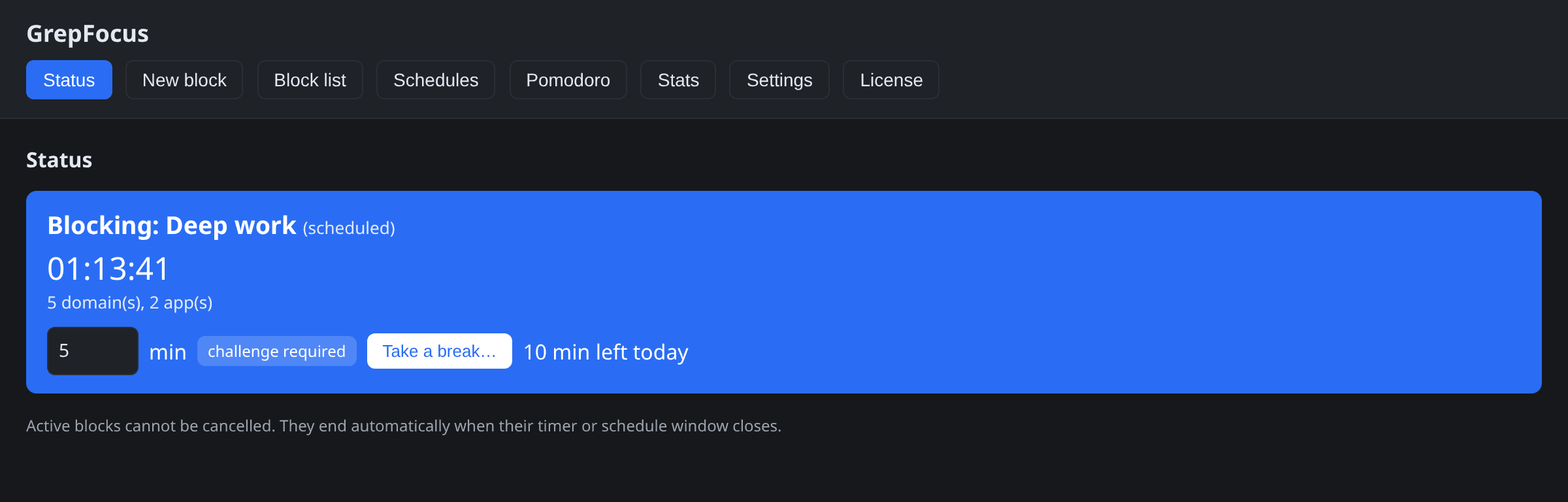
Blocked domains are written to /etc/hosts, and premium tamper protection locks the file immutable with chattr +i so a running block can't be casually cancelled.
Sites and apps
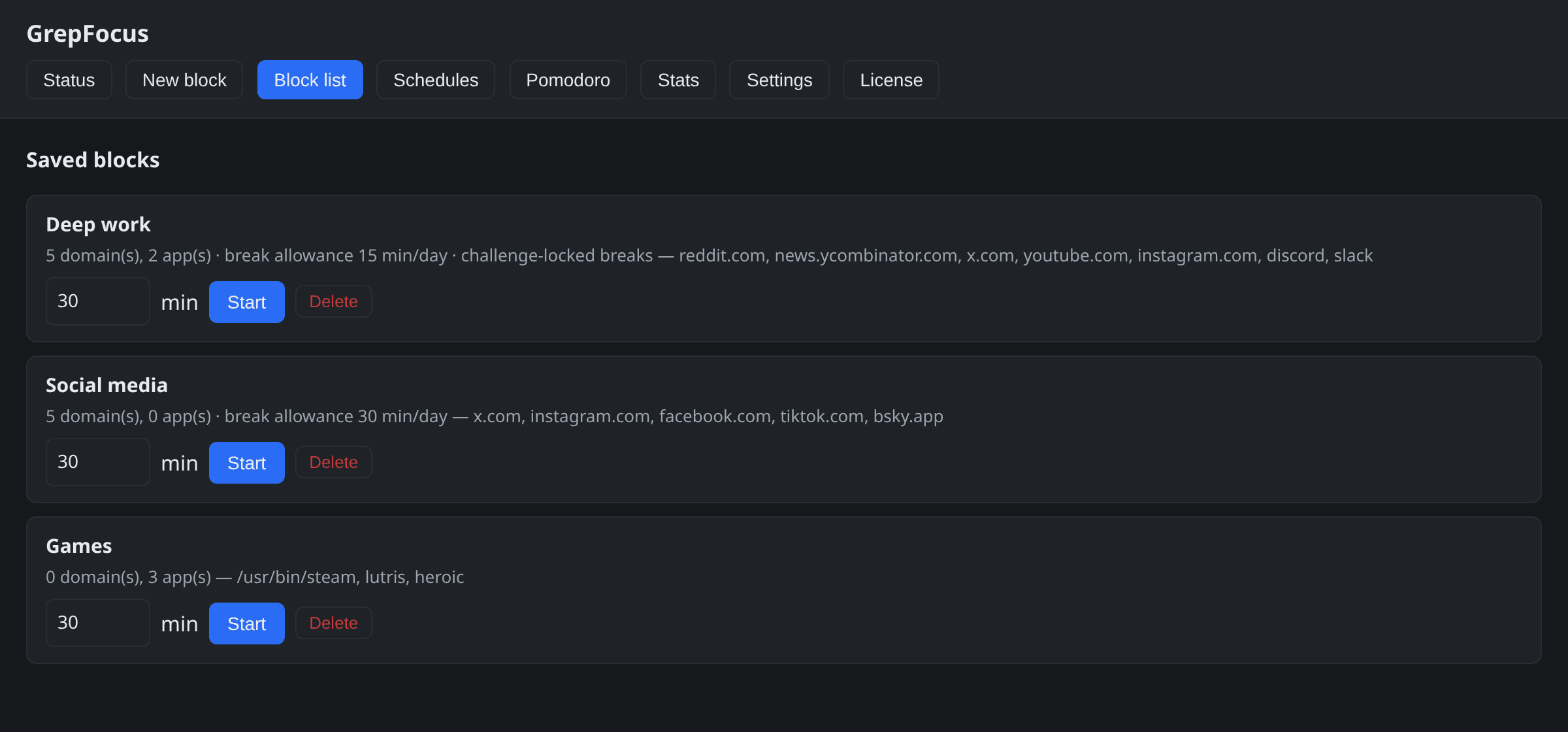
Block domains and kill distracting applications by path, name, or command line.
Set and forget
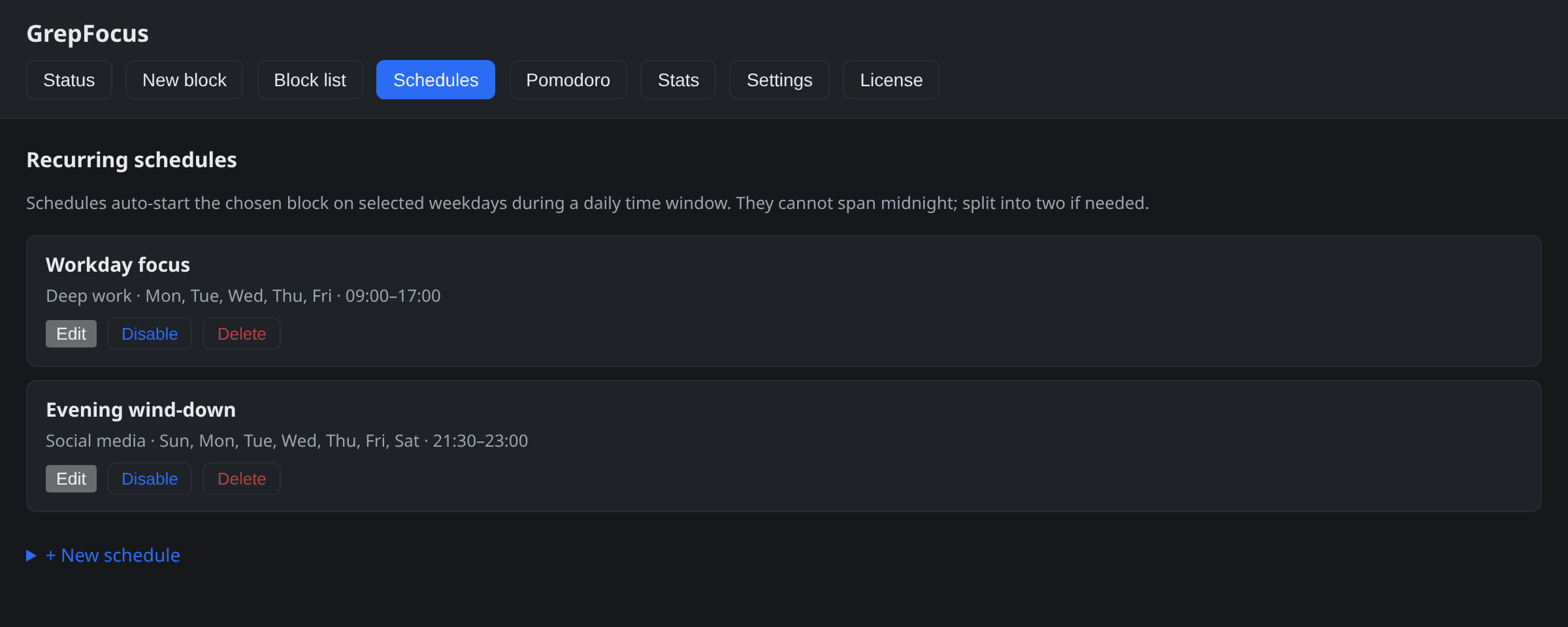
Recurring weekly schedules start your blocks automatically.
See it in action
Why not just a browser extension?
Extensions only work while the browser is open — and disabling one takes two clicks. GrepFocus blocks at the system level instead: a root daemon rewrites /etc/hosts and watches processes, so a block doesn't depend on the thing it's blocking.
- Covers every browser and every app on the machine — nothing to install per browser.
- Survives browser restarts and reboots; a running block just keeps running.
- Tamper protection makes removing a running block a deliberate chore, not a reflex.
Private by design
License verifies offline
Your key is checked on your machine with Ed25519 signatures. No activation server, ever.
No account
Nothing to sign up for. Buy or start a trial with just an email, paste the key, done.
No telemetry
The only thing the app ever sends is a once-a-day version check — only the version number is exchanged, and you can turn it off in Settings. What you block is your business.
No customer database
The store keeps only what Stripe needs to process a purchase — the app knows none of it.
Don't take our word for it — the app's source code is available to read.
Free vs Premium
| Feature | Free | Premium |
|---|---|---|
Website blocking Block any domain via /etc/hosts. | Included | Included |
Manual blocks Start a block on demand for a set duration. | Included | Included |
One block at a time Free tier keeps a single saved block. | Included | Included |
Unlimited blocks Save as many distinct block sets as you like. | Not included | Included |
Application blocking Kill distracting apps by path, name, or command line. | Not included | Included |
Recurring schedules Auto-start blocks on a weekly schedule. | Not included | Included |
Tamper protection Locks /etc/hosts immutable so a block can't be hand-edited away. | Not included | Included |
Stricter lock modes No-break blocks and password- or challenge-locked breaks, per block. | Not included | Included |
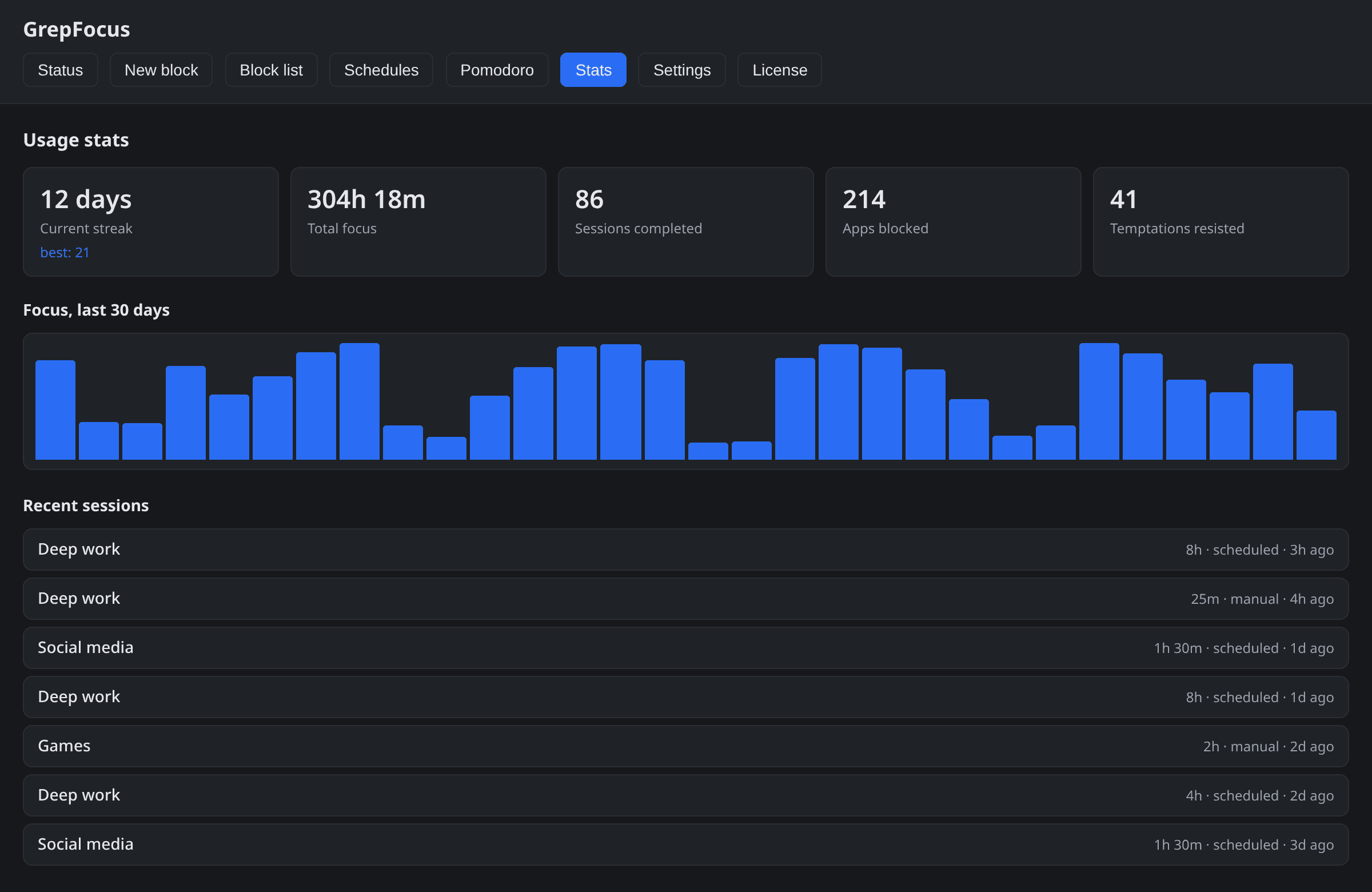
Usage stats Apps blocked, focus history, breaks resisted, and streaks. | Not included | Included |
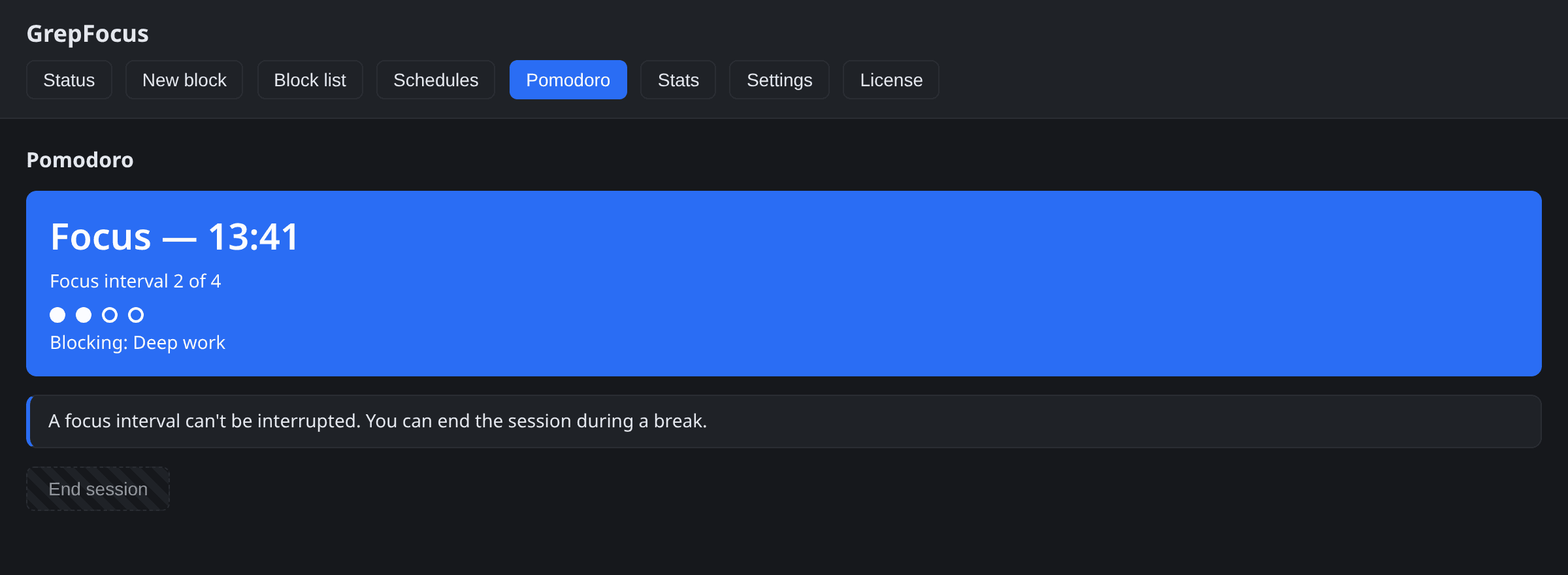
Pomodoro sessions Timed focus/break cycles that drive blocks automatically. | Not included | Included |